Installing JSM LaunchPad
Installing JSM LaunchPad
Installation is straightforward. If you have confirmed the requirements, this step takes less than five minutes.
Installing from the marketplace
In Jira, go to Apps → Explore more apps and search for JSM LaunchPad. Click Install and wait for the confirmation. The installation normally completes within one minute.
SCREENSHOT NEEDED: Marketplace search results showing JSM LaunchPad app listing with the Install button visible.
After installation, do not begin manually configuring Assets or creating object types. LaunchPad will create the initial structure for you when you deploy your first schema. Manual changes beforehand can create conflicts.
What happens during installation
LaunchPad does not modify any existing spaces, workflows, or data. It prepares the schema templates, relationship definitions, and standardised object structures that you will deploy in the next step.
No data is imported automatically. Your existing Jira environment remains exactly as it was. The app simply makes its templates available for deployment.
After installation
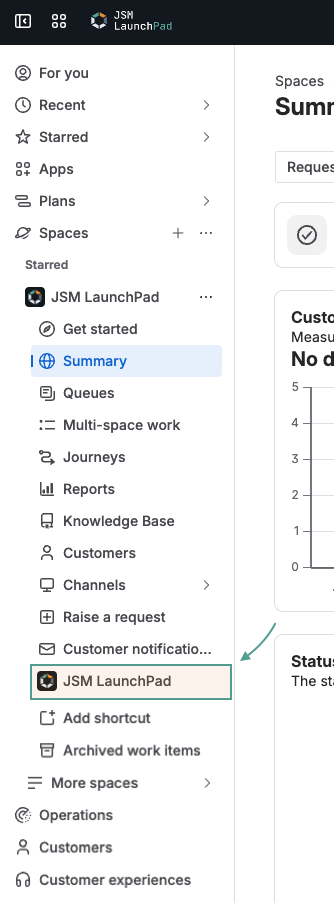
Once the installation finishes, navigate to Apps → JSM LaunchPad in Jira. This opens the app and takes you to the schema selection screen.
You are now ready for your first launch.